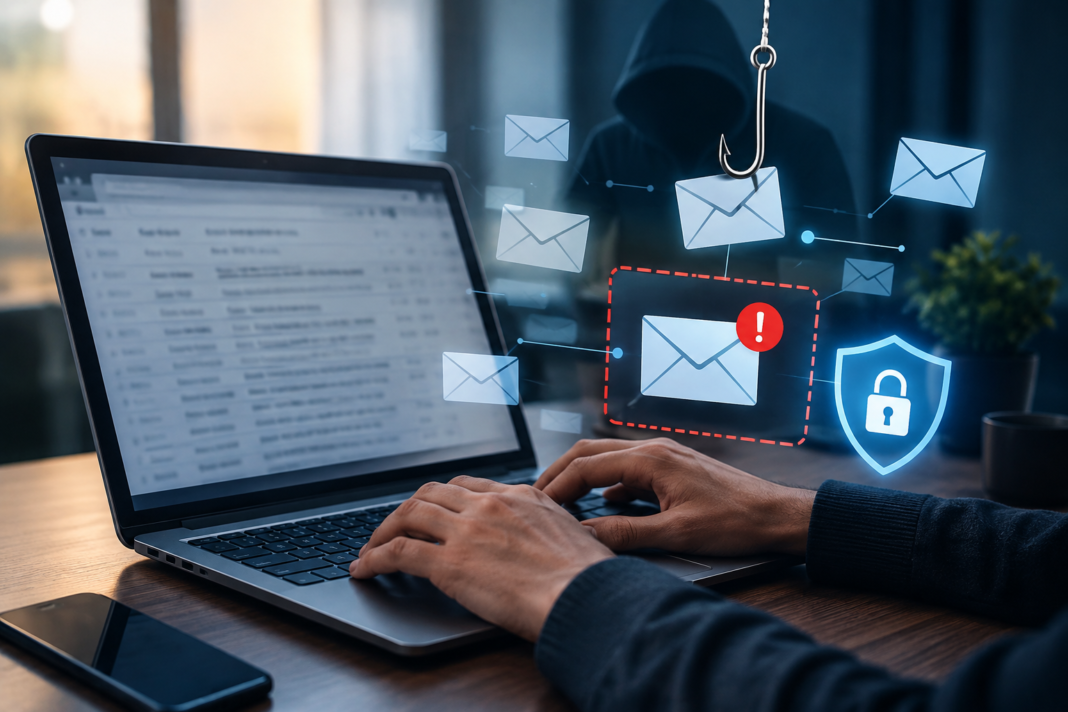
Yes, standard email security tools routinely miss well-crafted phishing attacks because attackers no longer rely on obvious spelling mistakes or blacklisted malicious links. Modern threat actors use compromised vendor accounts, host deceptive forms on legitimate cloud infrastructure, and craft convincing business email compromise schemes that sail past conventional secure email gateways.
When your email defense relies solely on static rules and known threat signatures, sophisticated deception easily slips through to employee inboxes. Attackers understand how perimeter filters operate, and they specifically design social engineering campaigns to look identical to routine business correspondence. Protecting your organization requires moving past basic spam filtering toward active behavioral analysis, post-delivery protection, and continuous workforce verification.
Why Traditional Email Filters Fail to Spot Modern Phishing
Standard email filters fail to detect sophisticated phishing because they evaluate technical indicators rather than human context. If an incoming message originates from an unflagged IP address, contains no known malware attachments, and links to an established domain, traditional security scanners classify the message as safe and deliver it.
Conventional secure email gateways (SEGs) were engineered for an earlier era of cyber threats. They excel at catching mass-distributed spam, bulk viruses, and messages originating from recognized malicious servers. However, targeted phishing has evolved into an art of subtle social engineering. Attackers rarely spray thousands of identical messages anymore. Instead, they study your company structure, identify key executives, and craft hyper-targeted messages designed to deceive specific employees.
Because these messages mimic normal operational requests, static rule sets cannot distinguish them from standard vendor inquiries or internal memos. Working alongside an experienced cybersecurity expert helps organizations identify blind spots in their email defense architecture and deploy modern behavioral inspection tools. Addressing these structural vulnerabilities ensures that your defenses adapt to new evasion tactics before a malicious email reaches an employee’s inbox.
| Defense Dimension | Traditional Secure Email Gateway | Behavioral Email Security Platform |
| Inspection Focus | Known malicious signatures, blacklists, and headers | Communication history, behavioral baselines, and context |
| Delivery Point | Scans messages strictly at the perimeter | Analyzes inbound, outbound, and internal mailbox traffic |
| Response Capability | Quarantines based on static rules | Dynamically remediates and claws back threats post-delivery |
| Cloud Service Abuse | Struggles with trusted domains (e.g., OneDrive) | Inspects nested links and scans landing page content |
How Attackers Slip Past Standard Secure Email Gateways
Cybercriminals bypass perimeter email filters by manipulating trusted digital infrastructure and abusing authentic corporate communication channels. By blending malicious intent into normal business workflows, attackers neutralize the primary indicators that automated security tools depend on for threat classification, allowing deceptive correspondence to land directly in target inboxes.
Weaponized Legitimate Cloud Services
Attackers exploit public cloud platforms because standard email filters inherently trust major technology providers. By uploading phishing questionnaires and credential harvesters directly to platforms like Microsoft SharePoint, Google Docs, Box, or Notion, cybercriminals create landing pages with flawless domain reputation scores that pass all automated perimeter inspections.
When an email arrives containing a link to a genuine Microsoft 365 or Google Workspace URL, your gateway recognizes the host as a reputable enterprise provider. The security filter assigns the link a clean safety rating and forwards the message to the user. The email contains no infected files or blacklisted domains.
Once the recipient opens the link, they view an authentic cloud document instructing them to click a secondary button or log in to view an encrypted invoice. This secondary redirect routes the employee to a fraudulent credential collection portal. Because the malicious payload lives behind a trusted intermediary page, traditional scanning engines never analyze the final attack destination.
Account Takeover and Vendor Impersonation
Vendor email compromise bypasses standard authentication protocols because the attack originates from an authentic, authorized mailbox. When cybercriminals hijack an existing supplier account, their fraudulent emails pass SPF, DKIM, and DMARC validations without triggering warning flags, effectively rendering technical identity verification checks useless against the scam.
This technique is especially dangerous during thread hijacking. Attackers do not start fresh conversations with suspicious subject lines. Instead, they monitor compromised supplier inboxes, locate active billing discussions, and reply directly within existing email chains.
They attach updated payment instructions or request electronic signatures on revised contract terms. To both the email gateway and the employee, the message appears entirely authentic. It uses the vendor’s genuine email address, references past project details, and arrives from an approved mail server. Without contextual awareness of typical payment routines, perimeter filters cannot recognize that the banking instructions have changed.
What Are the Most Common Evasion Techniques?
Modern phishing campaigns employ diverse technical evasion methods to blind automated email inspection engines. Threat actors continually refine these techniques to delay detection, scramble machine-readable text, and bypass URL analysis systems, ensuring their malicious payloads remain completely hidden until a human victim interacts with the message.
| Evasion Technique | How the Attack Operates | Why Standard Security Filters Fail |
| QR Code Phishing (Quishing) | Embeds malicious login URLs inside image-based QR codes | Filters scan text rather than decoding embedded graphic links |
| Delayed Link Weaponization | Sends safe links that redirect to malware hours after delivery | Gateways scan URLs only at initial receipt and mark them clean |
| Character Obfuscation | Replaces standard Latin letters with identical Cyrillic characters | Word filters cannot match keywords like “invoice” or “login” |
| HTML Smuggling | Assembles malware payloads locally within the victim’s browser | Firewalls cannot detect malicious code hidden in clean HTML5 scripts |
QR code phishing, commonly called quishing, has grown rapidly across corporate environments. Traditional security scanners are designed to parse text, extract URLs from message bodies, and inspect file attachments. When an attacker embeds a phishing link inside an image of a QR code, the text scanner sees only an ordinary picture.
The message directs the employee to scan the code using their mobile phone to verify benefits or review a payroll update. This action moves the victim away from corporate desktop security controls and onto an unmonitored personal smartphone, where security protections are often minimal.
Delayed link weaponization represents another widespread evasion method. Threat actors send messages containing URLs that point to harmless, legitimate websites during the delivery scan. Hours after the gateway marks the email safe and places it in the recipient’s inbox, the attacker switches the destination server to host a credential-harvesting form. If your email platform only inspects links at the moment of initial delivery, it remains completely unaware of this post-delivery change.
Can Behavioral Analysis Close the Security Gap?
Behavioral email security platforms close detection vulnerabilities by analyzing conversational patterns, employee relationships, and language intent rather than relying solely on static reputation scores. By establishing a baseline of normal organizational communication, these systems identify subtle anomalies that signal social engineering, impersonation, or compromised accounts.
Integrated Cloud Email Security (ICES) solutions connect directly into email environments using native APIs rather than sitting at the perimeter. This direct integration allows intelligent algorithms to observe internal communications, outbound replies, and historical vendor dialogues.
When an email arrives, behavioral engines analyze hundreds of contextual signals simultaneously:
- Does this employee normally communicate with this external contact?
- Does the writing style match previous messages sent from this individual?
- Is the message asking for urgent financial transactions or login credentials?
- Does the display name mimic an internal executive while using an external address?
If an employee suddenly receives an invoice from a supplier with whom they have never interacted, the behavioral engine flags the message with an interactive banner. The system does not need a blacklisted IP address or a known virus signature to recognize that the interaction deviates from standard operating behavior.
“Modern email security is no longer about stopping bad files at the perimeter. It is about understanding the context, relationships, and behavioral patterns that define authentic human communication inside your organization.”
Natural language processing also evaluates the emotional pressure applied in the text. Phishing schemes rely heavily on manufactured urgency, such as threats of account suspension or requests for immediate wire transfers. Behavioral detection flags these high-pressure linguistic indicators, providing real-time warnings to recipients before they take action.
How Can Businesses Build a Multi-Layered Email Defense?
Building a resilient email security posture requires combining technical authentication protocols, API-based behavioral monitoring, and targeted human training into a unified defense system. No single tool stops every email threat, making depth and redundancy essential for keeping malicious messages out of user accounts.
Step 1: Enforce Strict Technical Authentication Protocols
Start by configuring foundational email authentication standards across your domain. Enforcing Sender Policy Framework (SPF), DomainKeys Identified Mail (DKIM), and Domain-based Message Authentication, Reporting, and Conformance (DMARC) prevents cybercriminals from directly spoofing your domain name.
Set your DMARC policy to “reject” rather than “none” or “quarantine” once you have inventoried all legitimate third-party mail senders. While authentication protocols do not prevent account takeover attacks, they prevent basic domain impersonation and establish baseline trust with external mail systems.
Step 2: Implement Post-Delivery Mailbox Protection
Deploy an API-connected email security solution that operates directly inside your cloud email environment. Because API tools sit inside platforms like Microsoft 365 and Google Workspace, they scan incoming, outbound, and internal employee-to-employee messages.
These solutions continuously evaluate message safety even after delivery. If an external security provider flags a link as malicious hours after an email arrives, post-delivery protection automatically claws the message out of every employee inbox across the company.
Step 3: Conduct Context-Aware Security Training
Transform your employees from security vulnerabilities into active lines of defense through targeted education. Replace predictable, generic phishing tests with realistic simulations that mimic modern evasion tactics, such as fake shared documents and urgent vendor notifications.
Teach staff to verify financial change requests through secondary communication channels. If a vendor emails an updated banking account number, employees should confirm the change via a verified phone call before processing payment.
Conclusions
Relying entirely on legacy perimeter filters leaves your organization exposed to sophisticated credential harvesting, trusted cloud service abuse, and vendor impersonation. Deceiving an employee through believable business context remains far easier for cybercriminals than cracking enterprise network defenses.
When you combine technical email authentication standards with API-driven behavioral inspection, post-delivery remediation, and a culture of continuous verification, you build a resilient defense that catches subtle social engineering. Modernizing your email security posture ensures that when a deceptive message reaches your company, your systems detect the threat and neutralize it before damage occurs.