When computer networks run quietly in the background, business leaders rarely give IT infrastructure a second thought. However, waiting for hardware to crash, software to freeze, or an account to get locked out before taking action turns technology into a source of constant frustration. This traditional break-fix cycle drains employee morale and inflates monthly operating expenses with unpredictable emergency invoices.
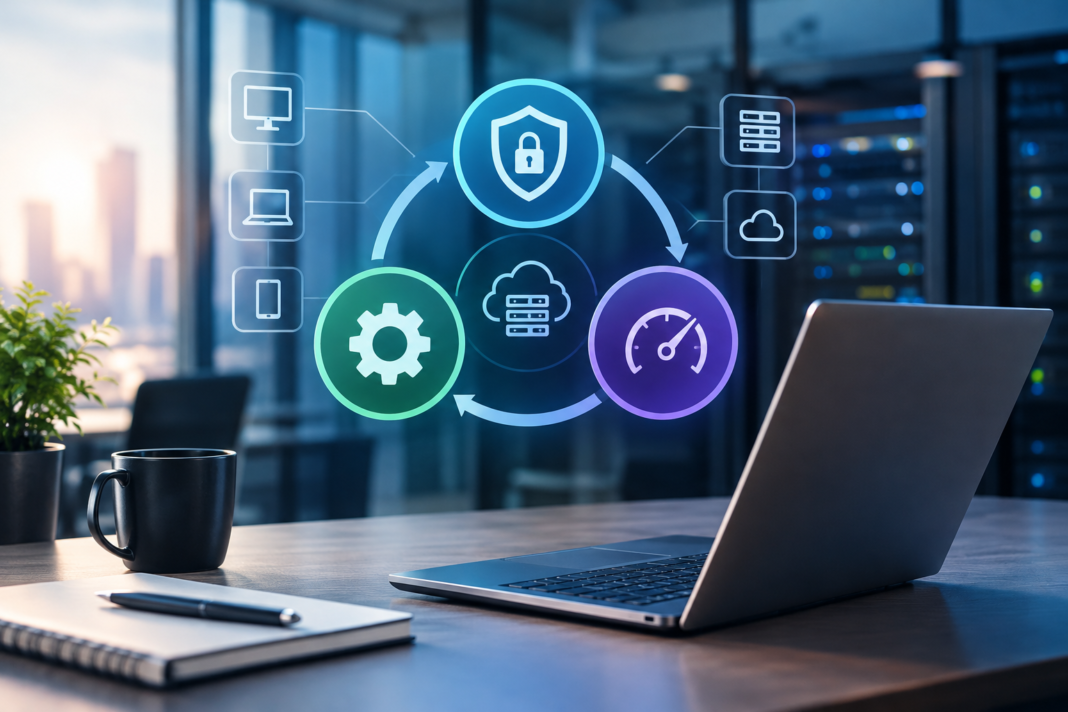
A proactive framework built on prevention, multi-layered protection, and continuous performance optimization eliminates costly network downtime and transforms technology into a predictable engine for business growth. Instead of scrambling to put out technical fires, organizations that adopt a structured approach anticipate hardware lifecycles, neutralize security threats before they strike, and maintain peak operational speed. Shifting away from reactive troubleshooting toward a disciplined “Prevent, Protect, Perform” model ensures your business maintains operational stability and protects its bottom line.
Why the Reactive IT Model Fails Modern Organizations
The reactive IT support model fails because it relies on system failure to trigger technical action. In a break-fix arrangement, an IT contractor earns revenue only when your systems break down, creating an inherent conflict of interest that leaves underlying technical debt unaddressed.
When an organization handles technology reactively, small technical glitches quickly accumulate into major bottlenecks. An unpatched operating system, a noisy server fan, or an overloaded network switch might seem harmless on a Tuesday morning. By Friday afternoon, those neglected issues can trigger an unexpected server crash that leaves your entire staff unable to access client records or process invoices.
The operational damage of this cycle extends far beyond direct repair costs. While technicians spend hours diagnosing a failed database, your sales staff cannot book meetings, customer service teams cannot answer inquiries, and billing operations freeze. Even brief outages can cost mid-sized businesses thousands of dollars in lost labor and delayed client deliverables.
Modern organizations cannot afford to wait for catastrophic failures before addressing infrastructure health. Whether coordinating distributed remote teams across several states or relying on dedicated Raleigh IT support to manage regional infrastructure, organizations benefit most when technical teams work proactively to stop failures before they start. Shifting to an aligned model ensures your technology partner shares your goal of uninterrupted uptime.
| Operational Dimension | Reactive Break-Fix IT | Proactive Managed Approach |
| Operational Goal | Fix hardware after a failure occurs | Prevent failures through continuous maintenance |
| Financial Structure | Unpredictable invoices with emergency rates | Flat-rate, predictable monthly budgeting |
| System Uptime | Frequent interruptions and extended downtime | High availability with proactive failover systems |
| Security Posture | Patches applied after an exploit is discovered | Continuous vulnerability scanning and zero-day defense |
Pillar 1: Prevent (Proactive Monitoring and Maintenance)
The prevention pillar focuses on eliminating network vulnerabilities, performance bottlenecks, and hardware fatigue before they disrupt daily operations. By deploying background diagnostic tools and enforcing routine maintenance schedules, IT teams identify and resolve warning signs before end users ever notice a problem.
Prevention begins with continuous telemetry. Modern Remote Monitoring and Management (RMM) software runs silently across workstations, physical servers, and cloud applications. Instead of waiting for a hard drive to fail completely, these tools detect rising drive temperatures, failing cooling fans, or memory leaks weeks in advance, allowing technicians to replace components during scheduled maintenance windows.
Automated Patching and Vulnerability Remediation
Software developers release security patches continuously to correct programming defects and close known security gaps. When companies manage updates manually, critical patches often get delayed for weeks because nobody wants to restart a server during the workday.
Automated patch management solves this problem by testing and deploying updates during designated off-peak hours. Operating systems, third-party software, and network firewalls remain fully updated without disrupting employee productivity.
Hardware Lifecycle Planning
Every desktop computer, physical server, and network router has a finite operational lifespan. Running hardware past its intended service life exponentially increases failure rates and drags down employee efficiency.
A preventative IT strategy tracks device age and establishes structured 3-to-5-year replacement cycles. Planning hardware upgrades in advance eliminates surprise capital expenses and ensures your workforce always has fast, modern equipment.
Pillar 2: Protect (Multi-Layered Security and Resilience)
The protection pillar establishes a defense-in-depth security perimeter that safeguards sensitive business data, blocks digital intrusions, and guarantees swift recovery after an incident. In an environment where threats evolve daily, relying on simple antivirus software leaves dangerous security gaps.
True protection requires multiple security layers that work together. If an attacker manages to bypass your email filter, secondary controls like multi-factor authentication, endpoint isolation, and data encryption step in immediately to prevent unauthorized access to your core databases.
“Operational resilience is not built on the hope that cyber threats will bypass your organization. It comes from having technical safeguards that stop a single compromised password from turning into a company-wide crisis.”
Identity Governance and Access Controls
Stolen login credentials remain the most common entry vector for cybercriminals. Protecting corporate accounts requires enforcing phishing-resistant multi-factor authentication (MFA) across every email inbox, cloud drive, and remote desktop connection.
Organizations must also adopt the principle of least privilege. Employees should only receive access permissions for the specific applications and folders required to complete their daily duties. Restricting permissions prevents a compromised account in one department from giving bad actors access to sensitive financial records or personnel files.
Immutable Backups and Disaster Recovery
Modern ransomware strains deliberately search corporate networks for connected backup drives, attempting to delete or encrypt snapshots before locking primary servers. If your backups sit on the same local network without isolation, your ability to recover independently is compromised.
Immutable backups use Write-Once-Read-Many (WORM) storage rules to keep your recovery points safe. Once an automated snapshot is recorded, no user account, administrator, or malicious script can modify or delete that copy for a set period. If a disaster strikes, your team can restore clean systems rapidly without paying a ransom.
Pillar 3: Perform (Optimizing Workflows and Scaling Capacity)
The performance pillar ensures your technical environment actively accelerates business operations rather than holding them back. Once systems are stable and secure, IT management shifts its focus toward improving speed, enhancing collaboration, and supporting corporate expansion.
High-performing infrastructure allows employees to work seamlessly across office locations, home workspaces, and mobile devices. Files sync instantly, cloud applications respond without latency, and communication tools keep distributed teams connected throughout the day.
Cloud Integration and Intelligent Traffic Routing
Decoupling business applications from physical server closets gives organizations total operational agility. Migrating line-of-business applications and shared file drives to secure cloud environments enables real-time collaboration without creating conflicting file copies.
To maintain crystal-clear video calls and fast database queries, organizations deploy Software-Defined Wide Area Networking (SD-WAN). SD-WAN continuously monitors internet connection quality and routes critical voice and business data over the fastest available connection, preventing lag during peak operating hours.
Strategic Roadmapping and Executive Guidance
Technology should always align directly with executive vision. A mature IT management model includes regular strategic reviews conducted by a Virtual Chief Information Officer (vCIO).
During these sessions, technical advisors review upcoming company goals, such as adding headcount, opening new branch locations, or launching new client services. They build a multi-year technical roadmap that maps out required bandwidth, software licenses, and server capacity well ahead of time.
| Management Pillar | Core Objective | Primary Technical Controls | Direct Business Impact |
| 1. Prevent | Stop hardware failures and bugs early | 24/7 RMM alerts, automated patching, lifecycle planning | Eliminates unexpected downtime and emergency repair bills |
| 2. Protect | Safeguard data and maintain business continuity | Phishing-resistant MFA, 24/7 EDR monitoring, immutable backups | Defends brand reputation and prevents unrecoverable data loss |
| 3. Perform | Optimize workflows and enable growth | Cloud infrastructure, SD-WAN routing, vCIO roadmapping | Boosts employee productivity and stabilizes operational budgets |
How to Implement a Smarter IT Management Framework
Transitioning from a reactive posture to a proactive framework does not happen overnight. Following a clear, three-step action plan allows leadership to systematically modernize their digital environment without disrupting ongoing operations.
Step 1: Conduct a Comprehensive Infrastructure Audit
You cannot fix hidden network bottlenecks without an accurate inventory of your technical assets. Start by cataloging all physical workstations, network switches, cloud subscriptions, and user accounts. This discovery process uncovers unmanaged applications, aging hardware, and security misconfigurations that need immediate attention.
Step 2: Establish Realistic Recovery and Performance Metrics
Sit down with departmental managers to define acceptable operational tolerances. Establish your Recovery Time Objective (how quickly systems must return online after an outage) and your Recovery Point Objective (how much transactional data your business can afford to lose). These metrics guide the design of your backup systems and cloud infrastructure.
Step 3: Implement Continuous Oversight and Review
Deploy automated monitoring software and partner with dedicated infrastructure specialists to maintain 24/7 oversight. Schedule quarterly business reviews to assess ticket trends, evaluate system performance, and adjust your multi-year technical plan as your business grows.
Conclusions
Treating IT management as an emergency repair service leaves your company vulnerable to sudden hardware crashes, ransomware attacks, and unpredictable operating costs. When technology operates without a strategic plan, small daily inefficiencies compound until they drag down your entire organization.
Adopting the “Prevent, Protect, Perform” framework restores operational control to company leadership. By preventing equipment failures through continuous monitoring, protecting sensitive assets with multi-layered defenses, and optimizing workflows for long-term growth, you turn technology into a powerful competitive advantage.
Investing in a proactive technical strategy protects your operating margins and gives your team the dependable tools they need to succeed. When your technical foundation runs smoothly behind the scenes, your workforce can direct all of its energy toward serving clients and driving company success.